Keep every capture together
Upload screenshots from portals, inboxes, dashboards, and phones as one batch instead of rebuilding each table separately.
Upload captured tables, portal reports, statements, and accounting screens together. AxLiner structures the rows, keeps each value connected to its screenshot, and sends only the flags to review.

The spreadsheet is the destination. The working advantage is a single review queue where every row remains connected to the screenshot it came from.
Upload screenshots from portals, inboxes, dashboards, and phones as one batch instead of rebuilding each table separately.
Headers, columns, totals, and line items stay editable beside the original screenshot while flagged cells rise to the top.
Export the finished batch to Excel or CSV. For supported invoices and receipts, publish reviewed drafts to QuickBooks Online or Xero.
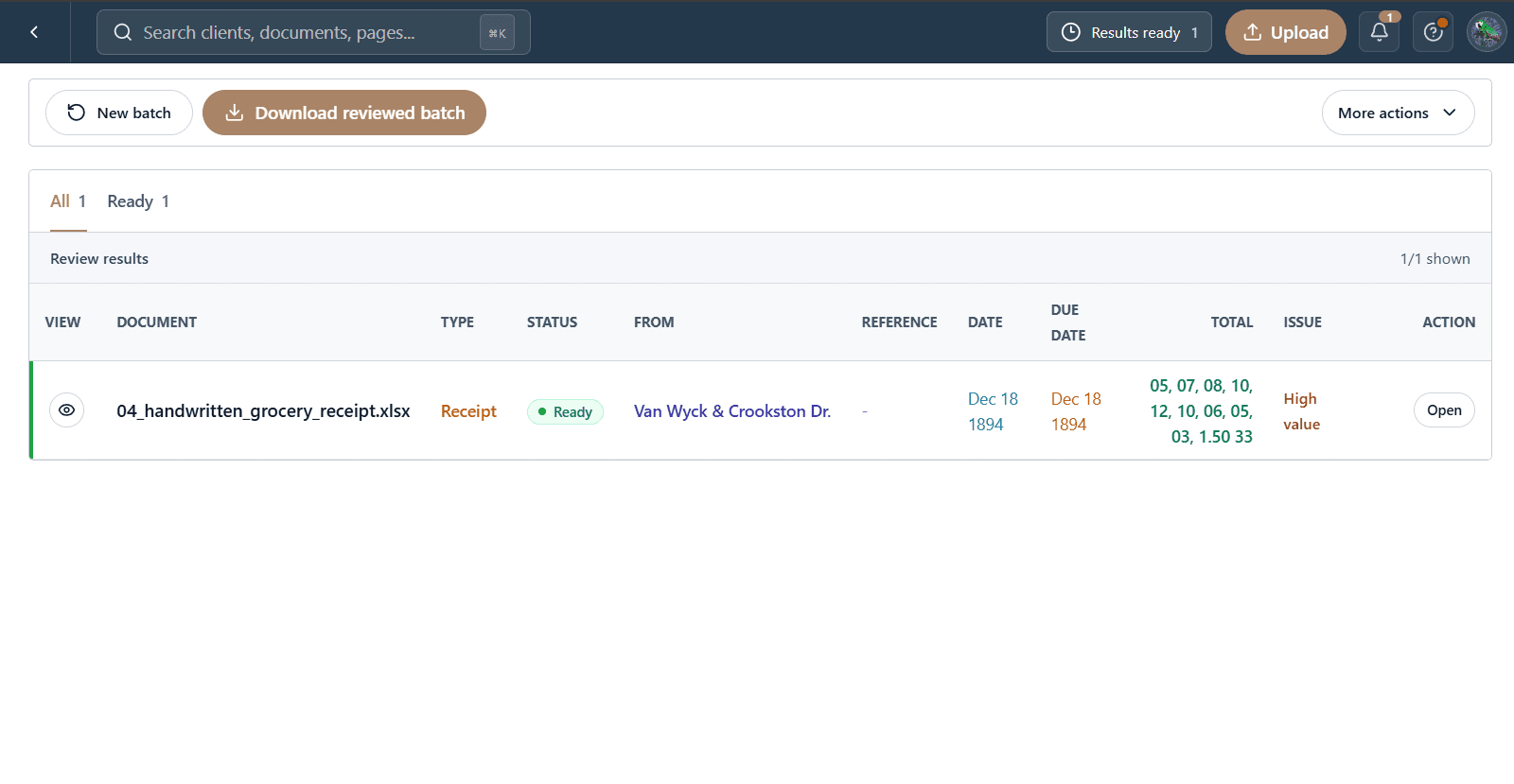
The files, extracted fields, and reviewer decisions stay in one workflow from intake to delivery.
Bring the complete set of screenshots into one workspace from the systems your team already uses.
Compare each exception with its original capture and correct the value without switching tools.
Download the reviewed Excel or CSV files, or send supported accounting drafts to QuickBooks Online or Xero.
Download the structured data, or publish supported accounting documents as reviewed drafts.
Reviewed workbook
Clean structured rows
Reviewed draft bills
Reviewed draft bills
Start with one client folder. Keep every source, flag, correction, and reviewed result together.
Start a batch