01
Bring in the folder
Upload photos, scans, PDFs, screenshots, and handwritten documents together. AxLiner keeps each source in the batch it belongs to.
Review mixed client documents as one batch, then export clean rows or publish reviewed draft bills.

38 sources in Batch 24-07
4 flags left to review
Keep every source, flag, correction, and destination connected through one reviewable batch.
Upload photos, scans, PDFs, screenshots, and handwritten documents together. AxLiner keeps each source in the batch it belongs to.
Field and row flags bring uncertain values forward. Compare the source beside the extracted result and correct only the exception.
Export a clean Excel or CSV file, or publish reviewed draft bills to QuickBooks or Xero without entering the same data again.
The Batch Review Board keeps editable fields, row flags, and status visible without reopening every file.
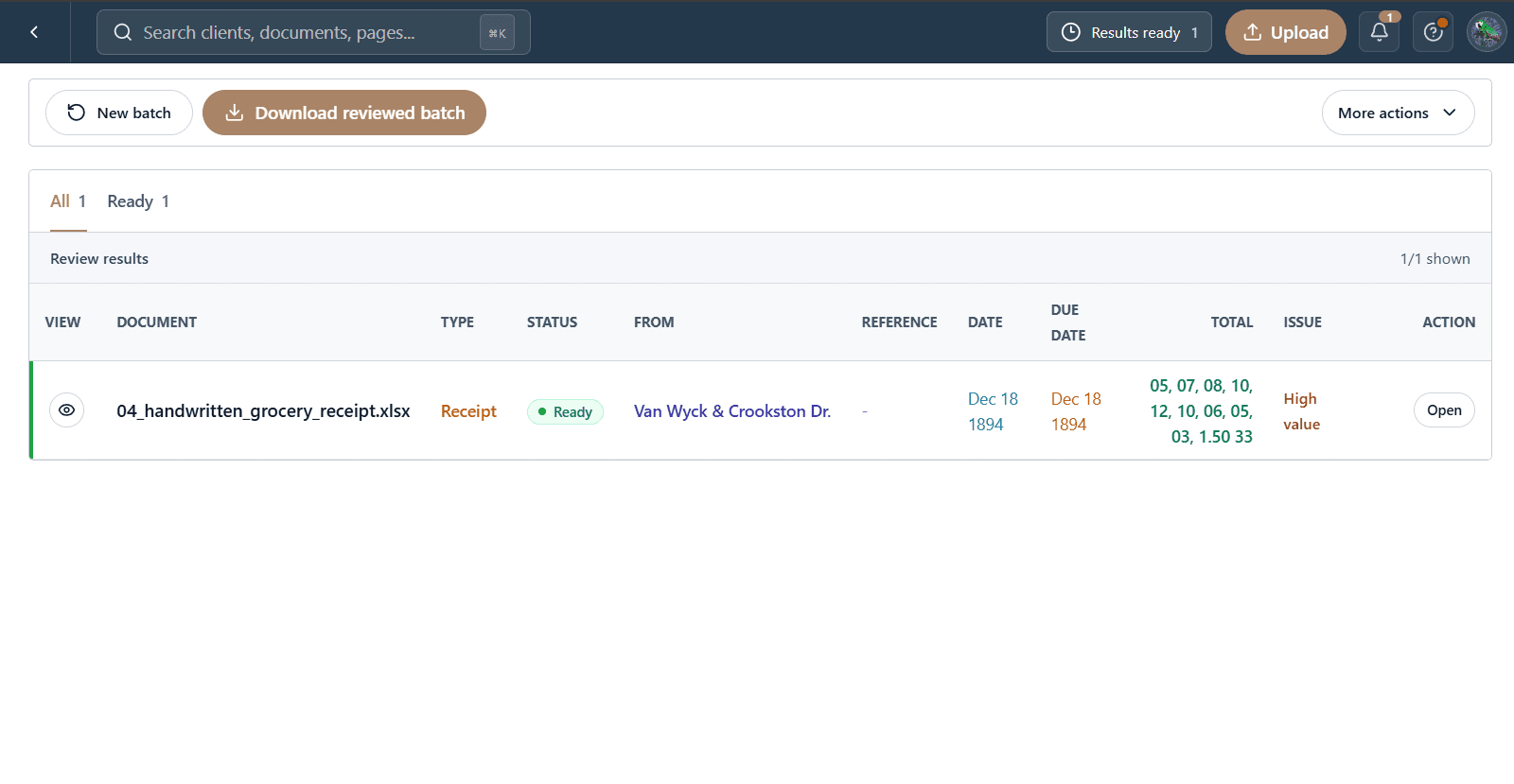
Export clean rows to Excel or CSV, or publish reviewed draft bills to QuickBooks or Xero.
Excel
CSV
QuickBooks
Xero