Bring the images together
Process phone photos, clean scans, screenshots, and HEIC, JPG, PNG, or WebP files in one batch instead of one at a time.
Upload photos, scans, screenshots, and HEIC, JPG, PNG, or WebP files as one batch. AxLiner structures the data, flags fields and rows that need a check, and keeps every result linked to its source.
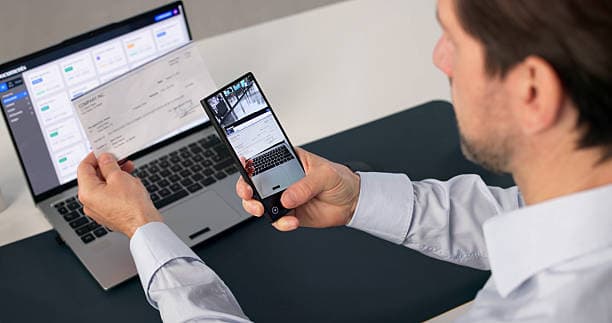
Keep the source image, extracted structure, confidence flags, and reviewer corrections connected until the spreadsheet is ready.
Process phone photos, clean scans, screenshots, and HEIC, JPG, PNG, or WebP files in one batch instead of one at a time.
Rows, columns, headers, totals, and line items stay editable beside the source, with field- and row-level flags guiding the review.
Download Excel or CSV, or publish supported invoices and receipts as reviewed drafts to QuickBooks Online or Xero.
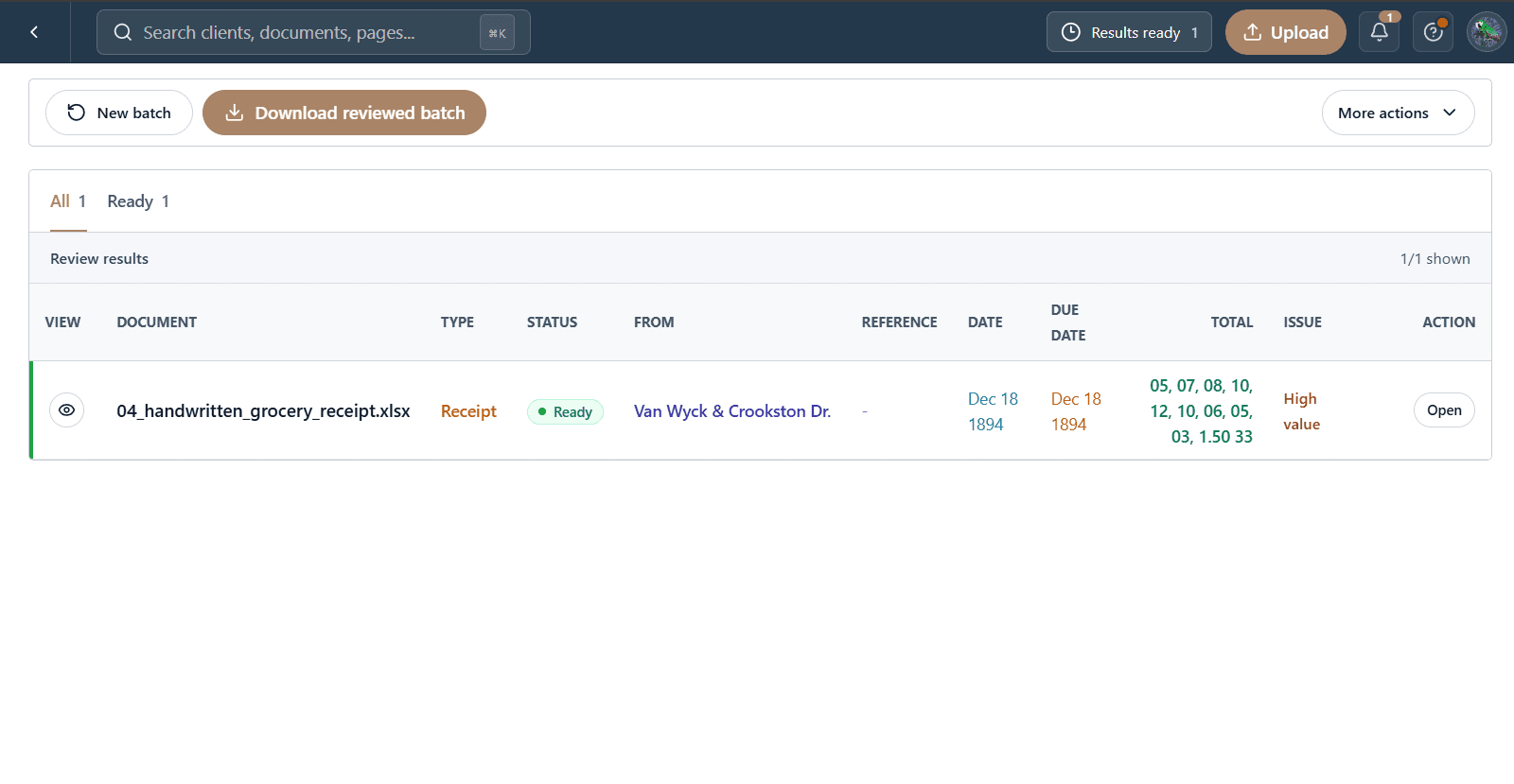
The files, extracted fields, and reviewer decisions stay in one workflow from intake to delivery.
Add the photos, scans, screenshots, and HEIC files from the folder in one pass.
Compare values with the original image and correct the exceptions before delivery.
Download the reviewed Excel or CSV files, or send supported accounting drafts to QuickBooks Online or Xero.
Download the structured data, or publish supported accounting documents as reviewed drafts.
Reviewed workbook
Clean structured rows
Reviewed draft bills
Reviewed draft bills
Start with one client folder. Keep every source, flag, correction, and reviewed result together.
Start a batch