Process the whole batch
Keep field logs, expense sheets, handwritten tables, and photographed notes together instead of running one page at a time.
Upload handwritten tables, field notes, and expense logs as one batch. AxLiner structures the pages, then surfaces field- and row-level confidence flags for human review.

Review uncertain fields and rows beside the original page, correct them in context, and export only when the batch is ready.
Keep field logs, expense sheets, handwritten tables, and photographed notes together instead of running one page at a time.
Field- and row-level confidence flags show reviewers where to look without forcing them to reread every page.
Export the reviewed batch to Excel or CSV. For supported invoices and receipts, publish reviewed accounting drafts to QuickBooks Online or Xero.
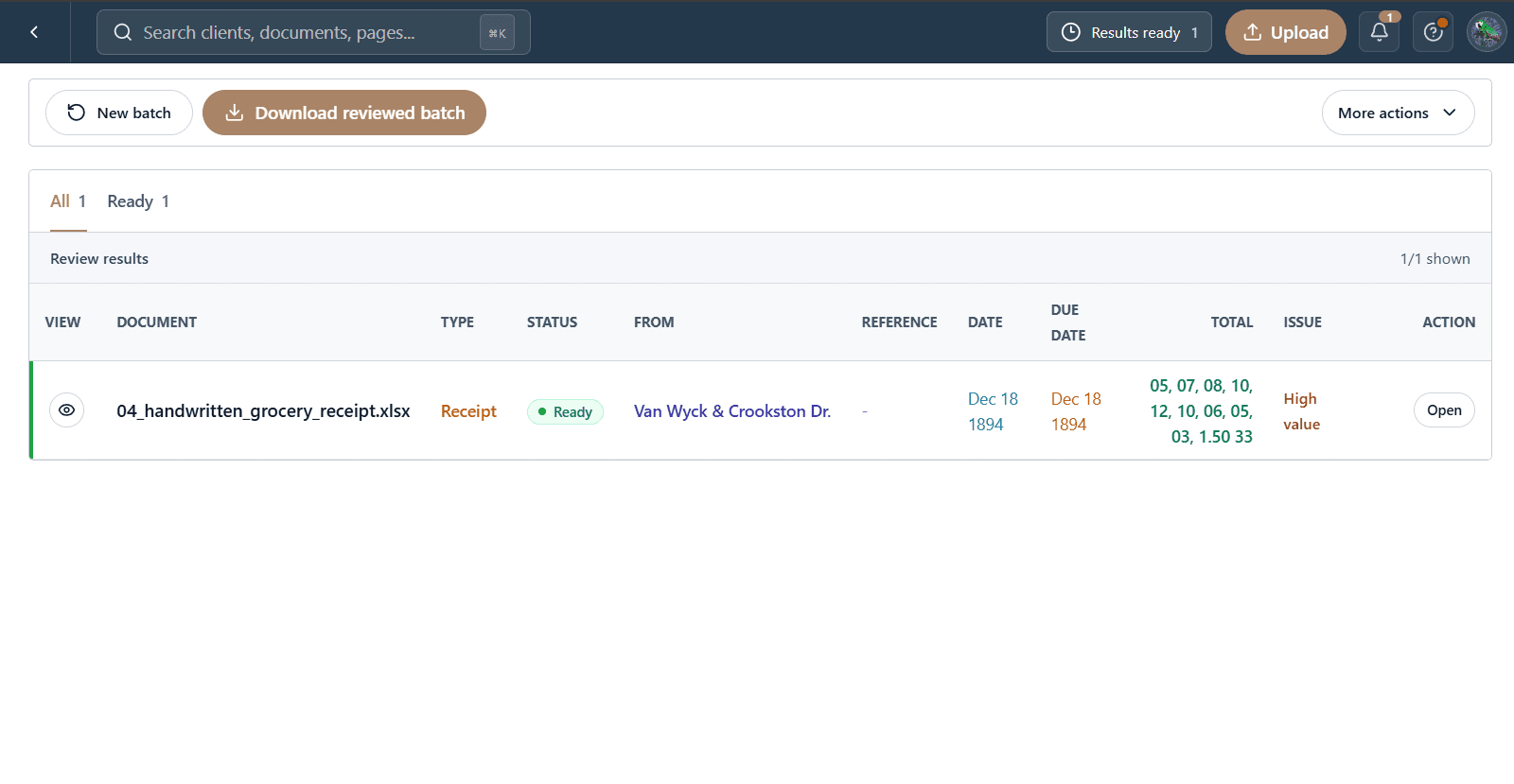
The files, extracted fields, and reviewer decisions stay in one workflow from intake to delivery.
Photograph or scan handwritten tables, notes, and logs, then submit them as one working batch.
Compare uncertain values with the original page and correct them in place before export.
Download Excel or CSV, or send supported reviewed accounting documents to QuickBooks Online or Xero.
Download the structured data, or publish supported accounting documents as reviewed drafts.
Reviewed workbook
Clean structured rows
Reviewed draft bills
Reviewed draft bills
Start with one client folder. Keep every source, flag, correction, and reviewed result together.
Start a batch