Classified by document
Invoices, receipts, statements, tables, and notes each receive fields and rows suited to the source—not a generic text dump.
Upload invoices, receipts, bank statements, tables, and handwritten pages together. AxLiner classifies the batch, surfaces field and row flags, and keeps every result ready for human review.

The source, extracted fields, and reviewer decisions stay connected from the first file to the final delivery.
Invoices, receipts, statements, tables, and notes each receive fields and rows suited to the source—not a generic text dump.
Field- and row-level flags show where a value needs a human check before the batch moves downstream.
Export the checked batch to Excel or CSV, or publish reviewed drafts to QuickBooks Online or Xero.
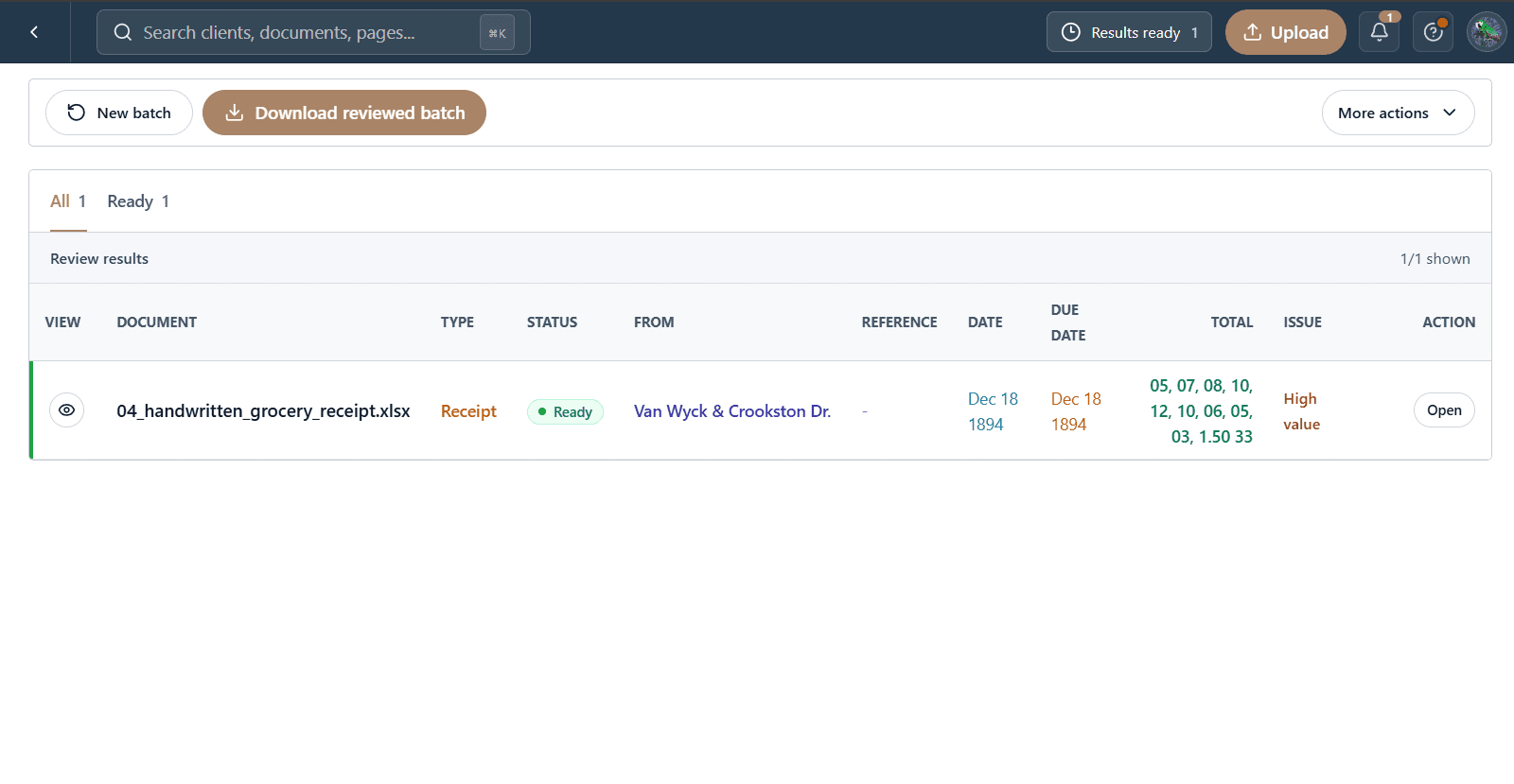
The files, extracted fields, and reviewer decisions stay in one workflow from intake to delivery.
Send PDFs, images, scans, screenshots, and handwritten pages in the same batch.
Compare each source with its extracted fields and correct only the rows that need attention.
Download Excel or CSV, or publish the reviewed accounting drafts to QuickBooks Online or Xero.
Download the structured data, or publish supported accounting documents as reviewed drafts.
Reviewed workbook
Clean structured rows
Reviewed draft bills
Reviewed draft bills
Start with one client folder. Keep every source, flag, correction, and reviewed result together.
Start a batch