Receipts, invoices, and expense tables ready for review.
AxLiner turns financial paperwork into structured spreadsheets without forcing the team to retype line items, totals, dates, or vendor fields by hand.
Built for monthly close, reimbursements, bookkeeping handoff, and messy scans from real operators.
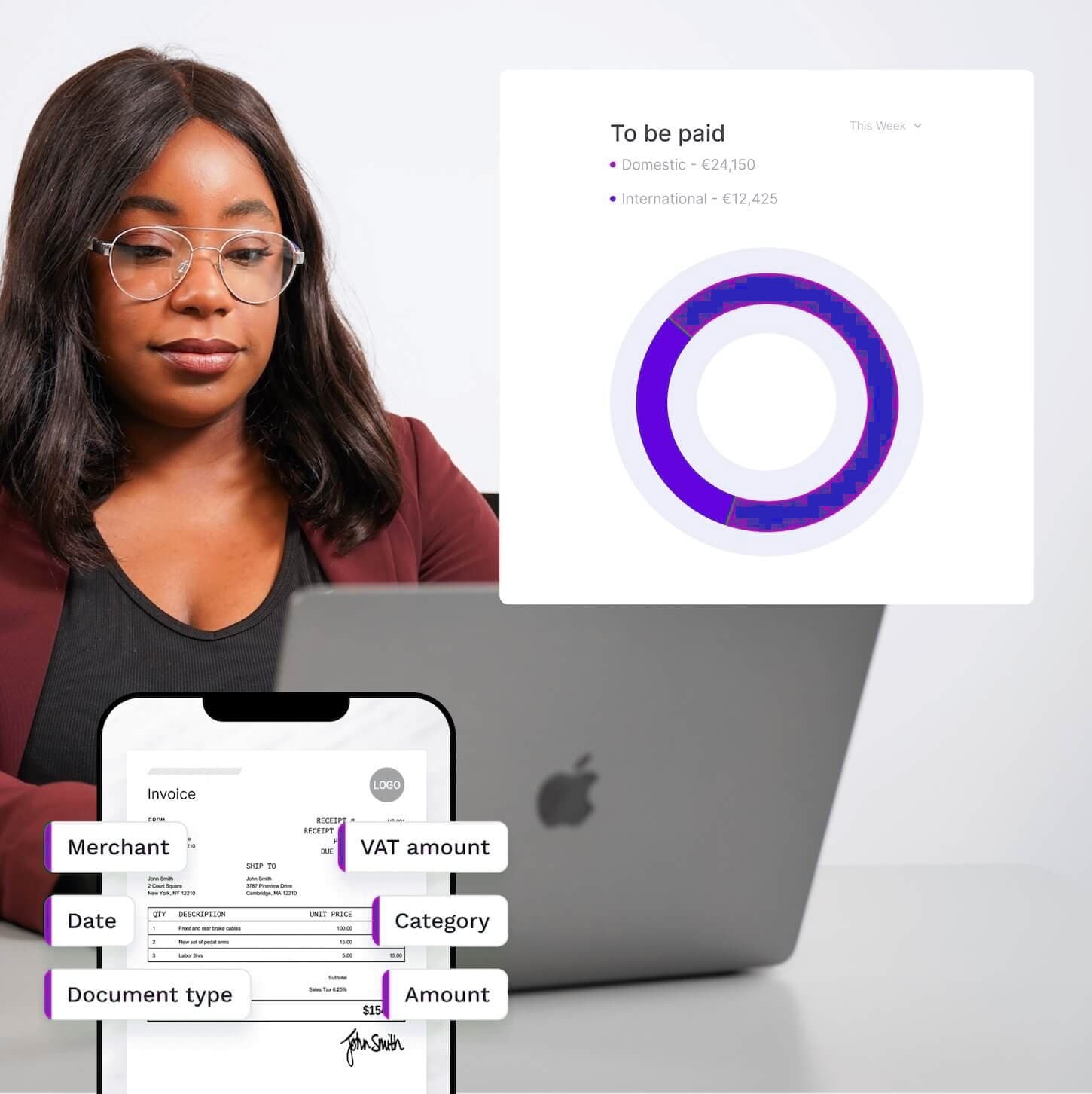
Invoice line items
Receipt batches
Expense reports
Bank statement tables
Where it fits
Built for the gap between handwritten files and corrected spreadsheet output.
Most accounting teams already know what has to happen after conversion: review the rows, correct edge cases, and send the spreadsheet into reporting or operations. AxLiner is shaped around that step instead of leaving a pile of handwritten paperwork to rebuild by hand.
The product keeps batches simple: upload the invoices, bank statements, forms, or table files, inspect the result set, fix the exceptions, then download corrected outputs your team can open immediately. That fits daily intake and backlog cleanup without forcing a custom project for every format.
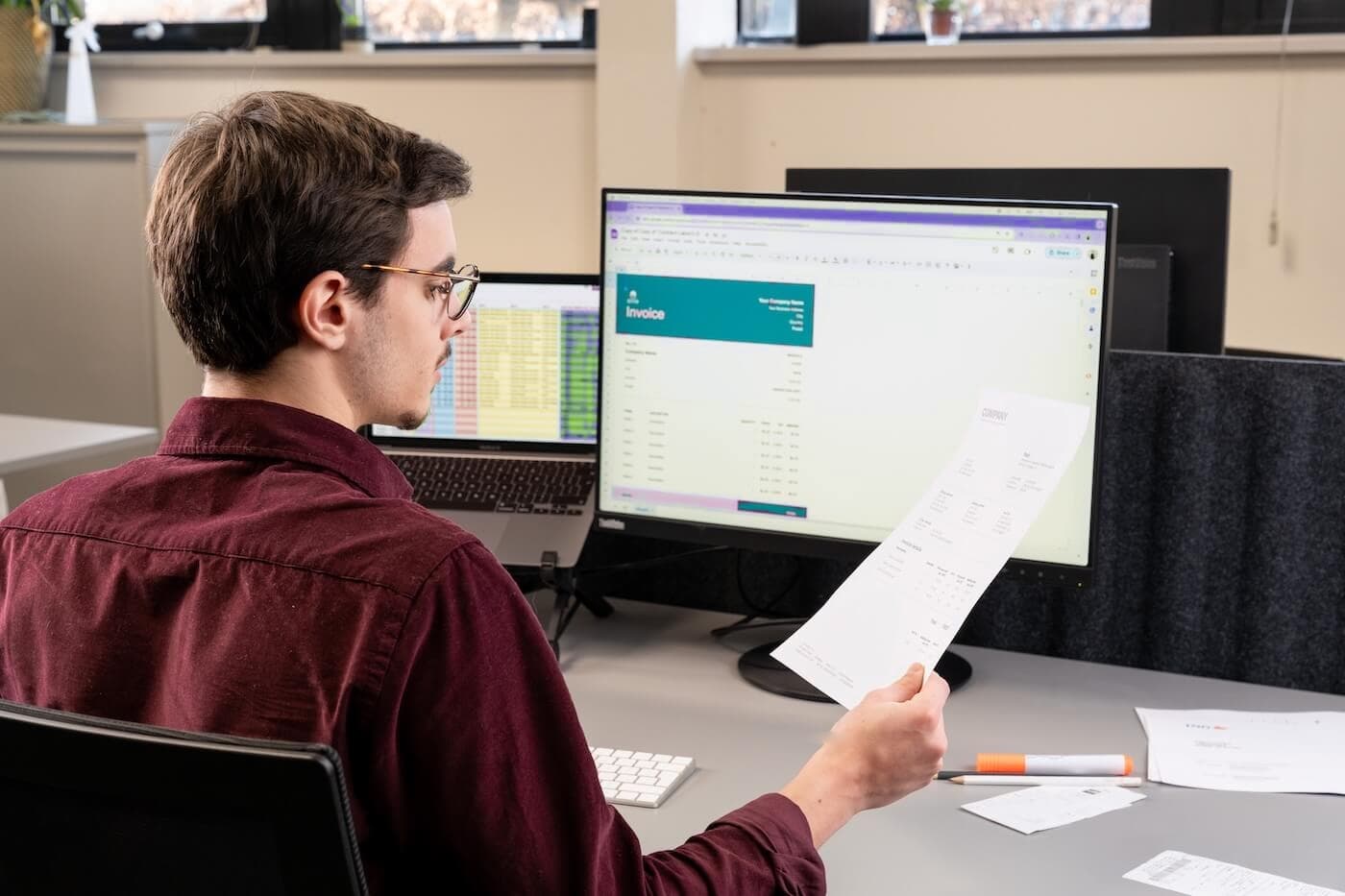
How it works
A short path from a file batch to reviewable Excel output.
Upload mixed accounting images
Faster bookkeeping prep
Review extracted rows and totals
Cleaner audit trails
Export clean XLSX files
Less manual spreadsheet repair
Ready for batch work