Batch paperwork extraction for teams that live inside spreadsheets.
AxLiner helps admin and operations teams convert scanned forms, tables, invoices, and records into clean Excel outputs that can move through internal workflows.
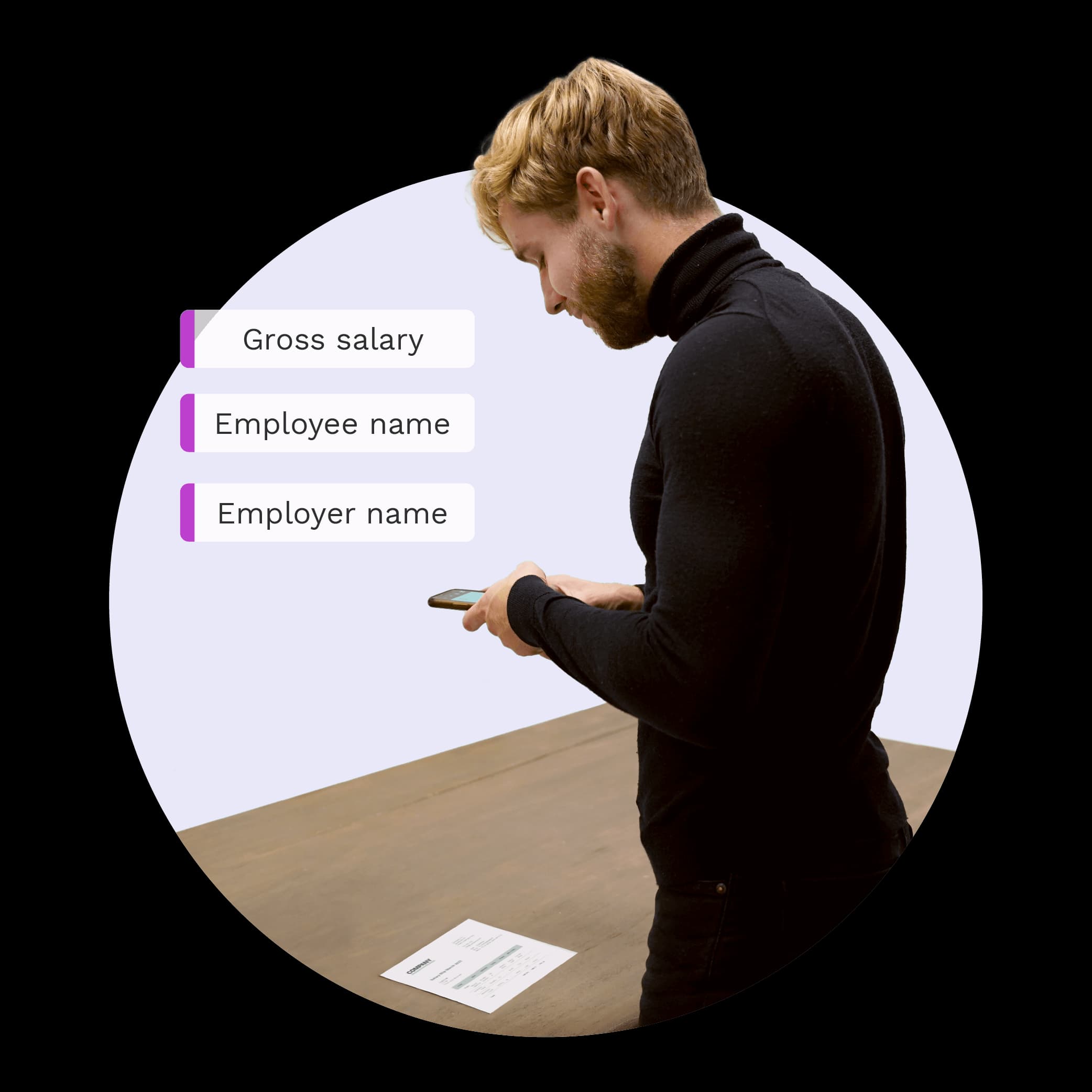
The paperwork your team already has.
Vendor records
Operations logs
Paper tables

One batch. Three controlled steps.
The source stays close while your team clears exceptions and prepares the reviewed output.

Keep the full batch visible.
Move from intake to corrected output without losing the source, job state, or review trail.
Upload a batch
Lower data-entry load
Let AxLiner preserve rows and columns
Faster handoffs
Download structured files
Cleaner shared records
Correct the work before it moves.
Resolve uncertain fields against the source, then leave with corrected Excel or CSV files your team can use immediately.
Publish reviewed drafts, with control intact.
Reviewed invoice drafts can move to QuickBooks Online or Xero. AxLiner never pays, reconciles, or auto-approves them.